Please login into Million STOCK System and follow these steps:
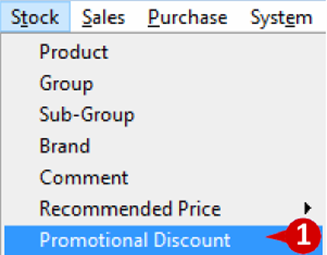
1. Go to Stock and select Promotional Discount.
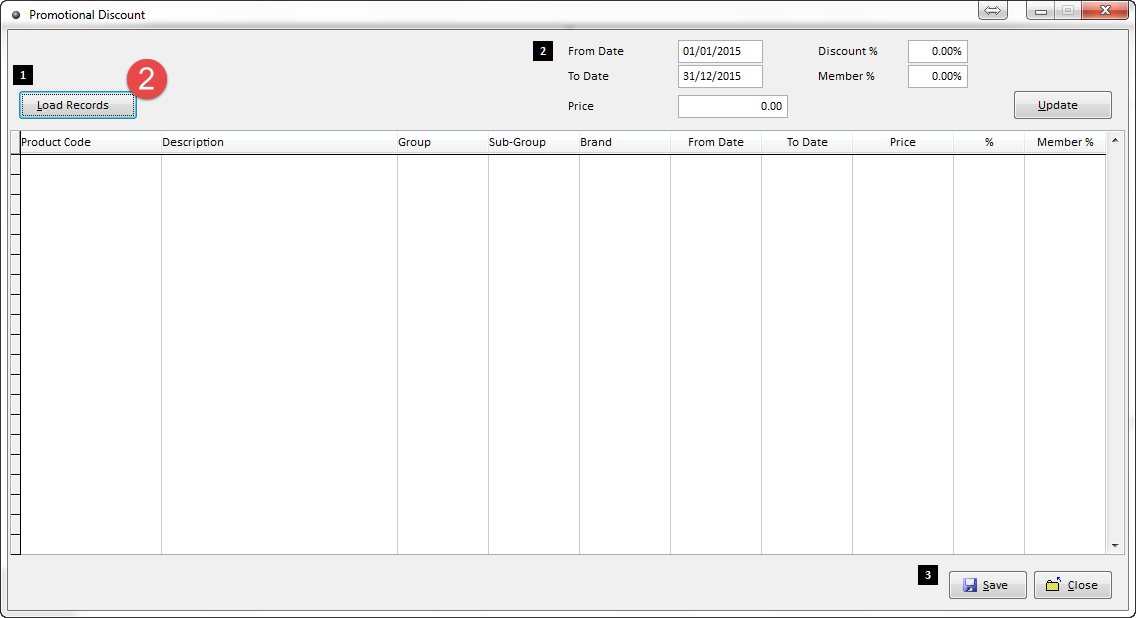
2. Click on Load Records.
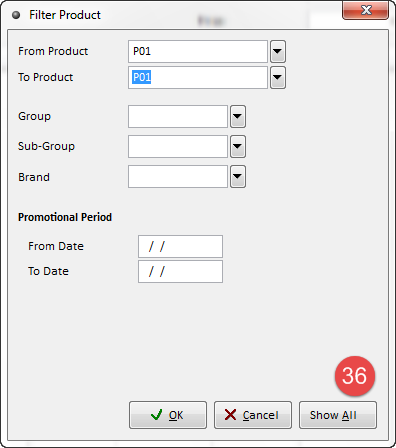
3 . Click on Show All or Filter by enter From Product To Product then click OK.
31 Form Product to Product
32 Group
33 Sub-Group
34 Brand
35 Promotional Period
36 Show All
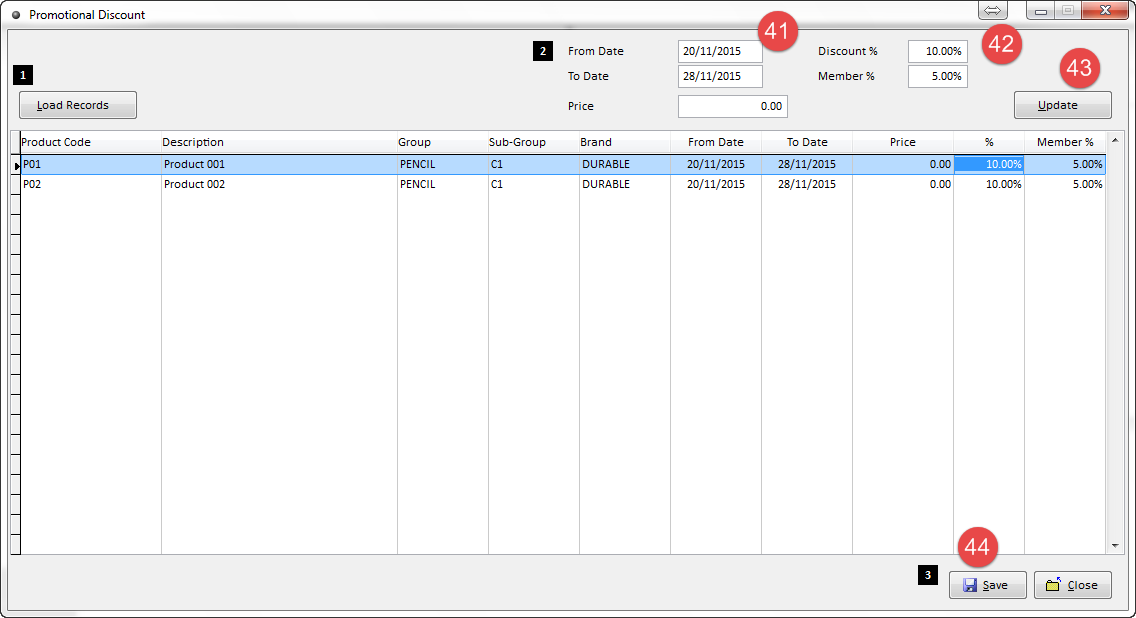
4. User can enter
41.promotion period
42. promotion discount and discount for member
43. Update to assign promotion period to all products.
44. Save